
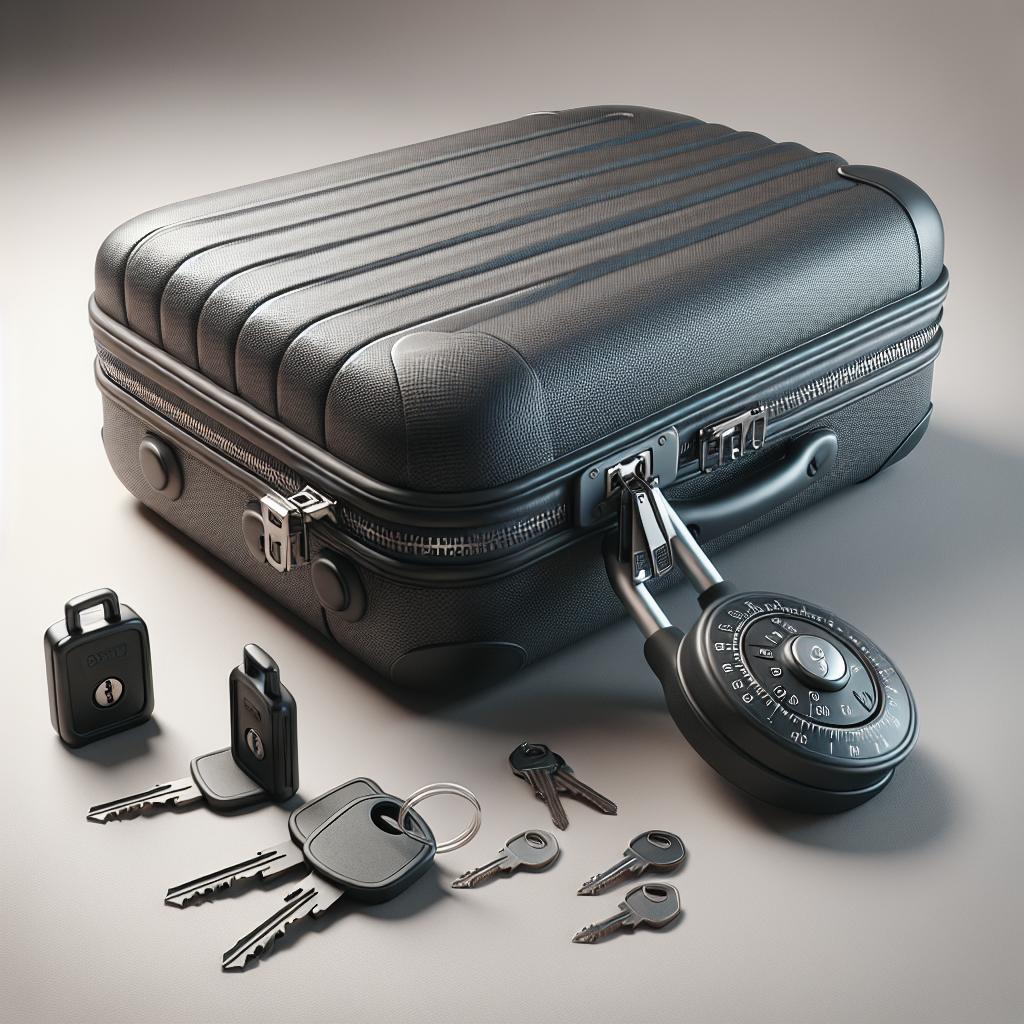
Traveling can be both exciting and occasionally stressful, especially when it comes to the security of your belongings. One way to minimize the stress is by ensuring your suitcase is securely locked. Specifically, Away suitcases provide a reliable security feature with their integrated combination locks. Whether you’ve forgotten your combination code, dealing with a stuck lock, or setting up your lock for the first time, this guide is designed to help you manage these scenarios with ease. In this blog post, we’ll provide detailed step-by-step instructions on how to reset your Away luggage lock, what to do if you’ve forgotten your combination, how to handle a stuck lock, and offer answers to frequently asked questions. By the end of this post, you’ll not only understand how to secure your luggage effectively but also feel more confident and prepared for your next travel adventure.
How To Reset Away Luggage Lock: A Step-by-Step Guide
Resetting Away Luggage Lock (Combination Remembered)
If you remember your current combination, resetting your Away luggage lock is a simple process. Start by setting the dials to your current combination. This will unlock the mechanism and allow you to proceed. Once open, locate the small reset button typically found near the dials or on the inside rim of the lock. This button might be slightly recessed, so you may need a paperclip or a small tool to press it.
Press and hold the reset button while you turn the dials to your desired new combination. Once set, release the reset button. Test your new combination to ensure it works correctly by locking and unlocking the suitcase. This straightforward process ensures you can quickly update your security settings to keep your belongings safe.
How To Reset Away Luggage Lock Forgot Combination?
Resetting Away Luggage Lock (Combination Forgotten)
Forgetting your combination can be a frustrating experience, but don’t worry; there are steps you can take to regain access to your suitcase. The first approach is the trial and error method. Start by setting all dials to 0-0-0 and slowly turn each dial one number at a time while pulling the shackle. This method requires patience but can be effective if you’re willing to spend the time.
If the trial and error method does not appeal to you, consider contacting Away’s customer service for help. Provide them with proof of purchase and they might offer additional guidance or resources. As a last resort, you might need to consult a professional locksmith. While this may incur a cost, it ensures you regain access without damaging your suitcase.
How Do You Reset a Stuck Luggage Lock?
Identify the Issue
When your luggage lock is stuck, the first step is to identify the issue. This may involve examining whether the lock is genuinely stuck or if it’s a case of a forgotten or incorrectly entered combination. Check if the dials are aligned correctly and ensure there is no debris obstructing the mechanism. Gently try to move the dials and shackle to diagnose the problem.
If the lock remains stuck despite your efforts, applying a small amount of lubricant like WD-40 can help loosen any internal components. Spray the lubricant into the lock mechanism, give it a few minutes to penetrate, then attempt to manipulate the lock again. Should these measures fail, professional assistance from a locksmith could be necessary to ensure the lock is safely and effectively reset.
How To Set Away Suitcase Lock?
Setting up your Away suitcase lock for the first time or after a reset is crucial to ensuring your belongings are secure. Start by setting the dials to the default combination, usually set to 0-0-0. With the lock open, locate and press the reset button, usually found near the dials or on the inside of the lock rim. Use a small tool if the button is recessed.
While pressing the reset button, turn the dials to your preferred three-digit combination. Release the reset button to lock in your new combination. Test the new code multiple times to ensure it works correctly before closing your suitcase. This process helps secure your luggage, giving you peace of mind on your travels.
Frequently Asked Questions (FAQs)
How To reset the lock on the Away Suitcase?
To reset the lock on an Away suitcase, start by inputting your current combination. Open the lock and locate the reset button near the dials. Press and hold the button while setting your new combination, then release the button to secure the new code. Test it to ensure it functions correctly.
What is the default lock code for Away luggage?
The default lock code for Away luggage is typically set to 0-0-0. This is the preset combination from the manufacturer, allowing users to set their own personalized code upon first use.
How do you reset a luggage lock if you forgot the combination?
If you’ve forgotten the combination, start by using the trial and error method from 0-0-0 upwards. Alternatively, contact Away customer service for assistance or a professional locksmith if necessary.
How to unlock a 3-digit combination lock suitcase?
To unlock a 3-digit combination lock suitcase, ensure the dials are set to the correct combination. Once set, pull the shackle or press the release button to open the lock. If the combination is wrong, attempt adjusting the dials sequentially until the lock opens.
How do I reset the 3 digit code on my luggage?
Resetting a 3-digit code involves entering the current combination, opening the lock, and pressing the reset button near the dials. Set the new combination while holding the button, then release it to finalize the new code.
Summary of Main Points
| Topic | Details |
|---|---|
| Resetting Away Luggage Lock (Combination Remembered) | Set dials to current combination, press reset button, and set new combination. |
| Resetting Away Luggage Lock (Combination Forgotten) | Use trial and error method or contact customer service/locksmith. |
| Resetting Stuck Luggage Lock | Identify issue, use lubricant if necessary, consult a locksmith if required. |
| Setting Away Suitcase Lock | Default code (0-0-0), press reset button, set new combination. |
| FAQs | Default code, unlocking methods, resetting methods, and troubleshooting. |

